NFDI4ING’s Jupyter Service NFDI4ING’s Jupyter Service lets you spin up a computational environment in your browser, ready to go for coding, data analyzing, and teaching research software engineering. Some typical use cases for Jupyter are:
Creating learning material for developed research software.
Interactive learning of new technology, e.g., through documenting lessons learned via formulas, text and code.
Working together on a single document with mixed teams and programming languages.
Experimental prototyping, e.g., to determine good starting conditions and/ or parameters for coming up experiments / simulations.
Re-using and altering existing Jupyter notebooks to build upon work of others.
Interactive analysis of a representative subset of experimental or simulation data with the aim to write a documented postprocessing pipeline that can be applied to the entire dataset.
Currently, users can select from three pre-configured computational environments:
a generic data science environment supporting Python, Julia, and R
a data analysis environment including AI assistants (JuypterAI, Jupyternaut)
an environment enabling the academic usage of MATLAB and supporting polyglot programming, i.e., several programming languages in a single Jupyter notebook.
Further environments are in preparation. Users are free to install further libraries or customize Jupyter extensions in their running session or contact the support for additional assistance. Available resources range from 1 to 4 CPU cores and up to 4 GB of memory for a single user. Additionally, 10 GB of temporarily disk space is available during a session, and 2 GB permanent disk space is available for each user.
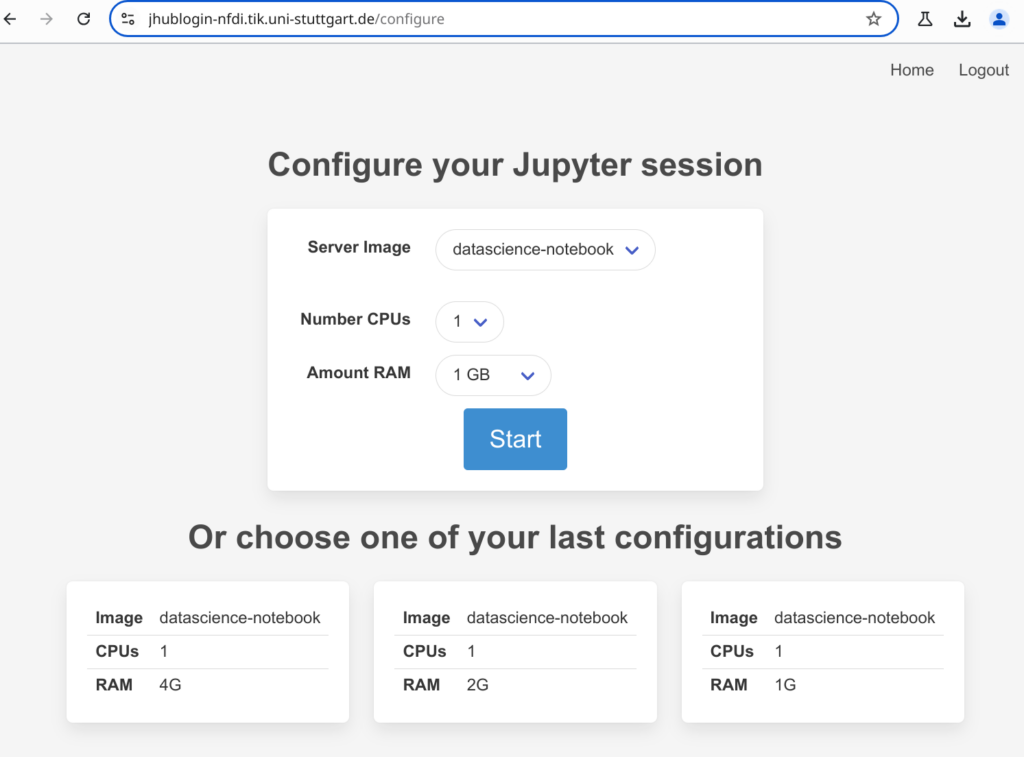
After logging in: Setup your Jupyter server regarding your needs.
Jupyter provides an easily accessible, low entry barrier environments to fulfill common data analysis tasks. There is no need to install software or to have the required computational resources on a local system , e.g., to re-use an existing notebook. Therefore, the service facilitates the exploration and identification of suitable existing code reducing the time needed to start working on the own research questions.
Service’s Suitability: The service is suitable for students and researchers, code developers and code providers. It especially benefits those who want to interactively re-use already existing computational notebooks.
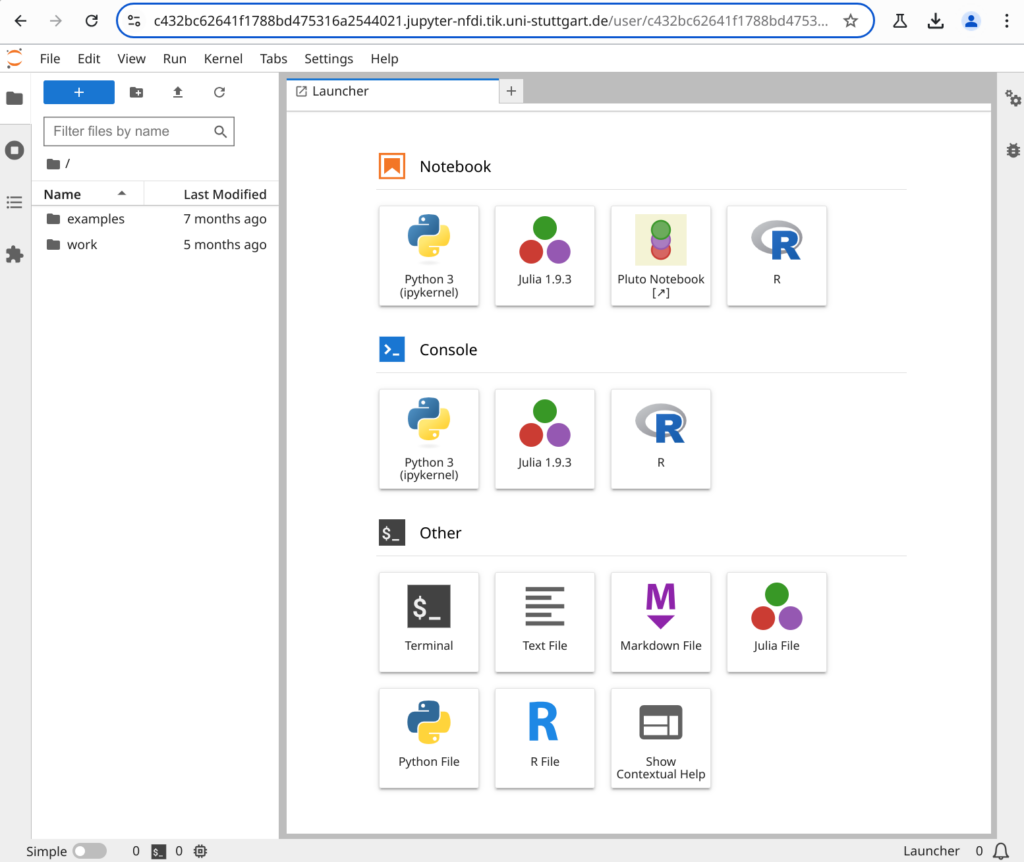
Datascience notebook environment: Startup screen that shows available applications.
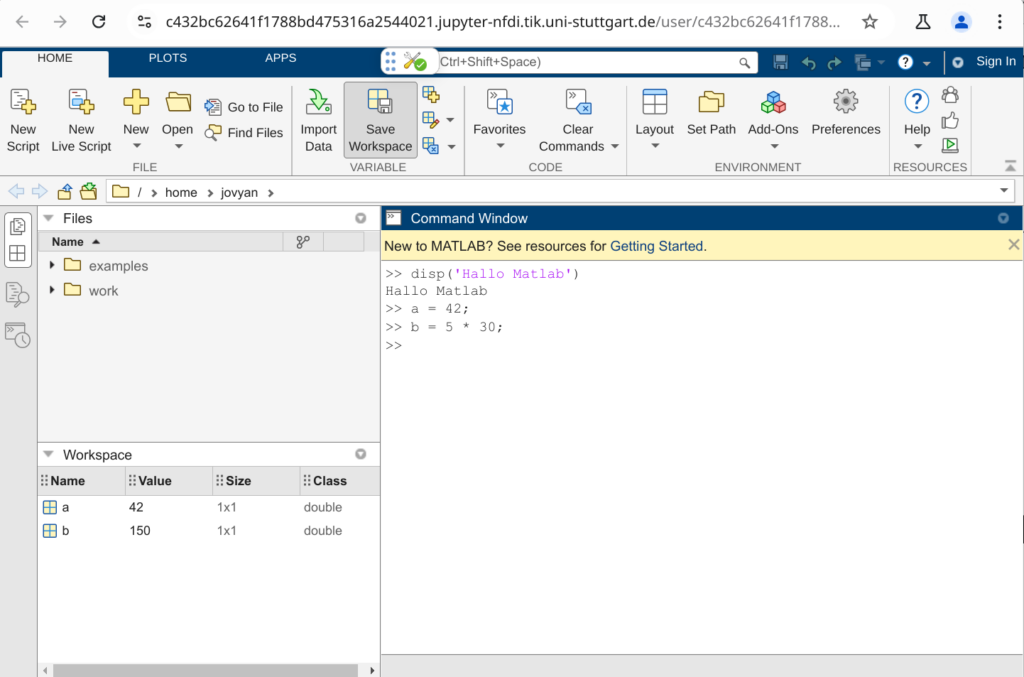
Matlab environment: Matlab IDE in a new browser tab after selecting the application launch in the Jupyter server.